Markdown highlighting
Zensical Studio supports syntax highlighting for Python Markdown and its extensions, so you get accurate highlighting of the Markdown syntax, including nested elements such as links inside admonitions and content tabs:
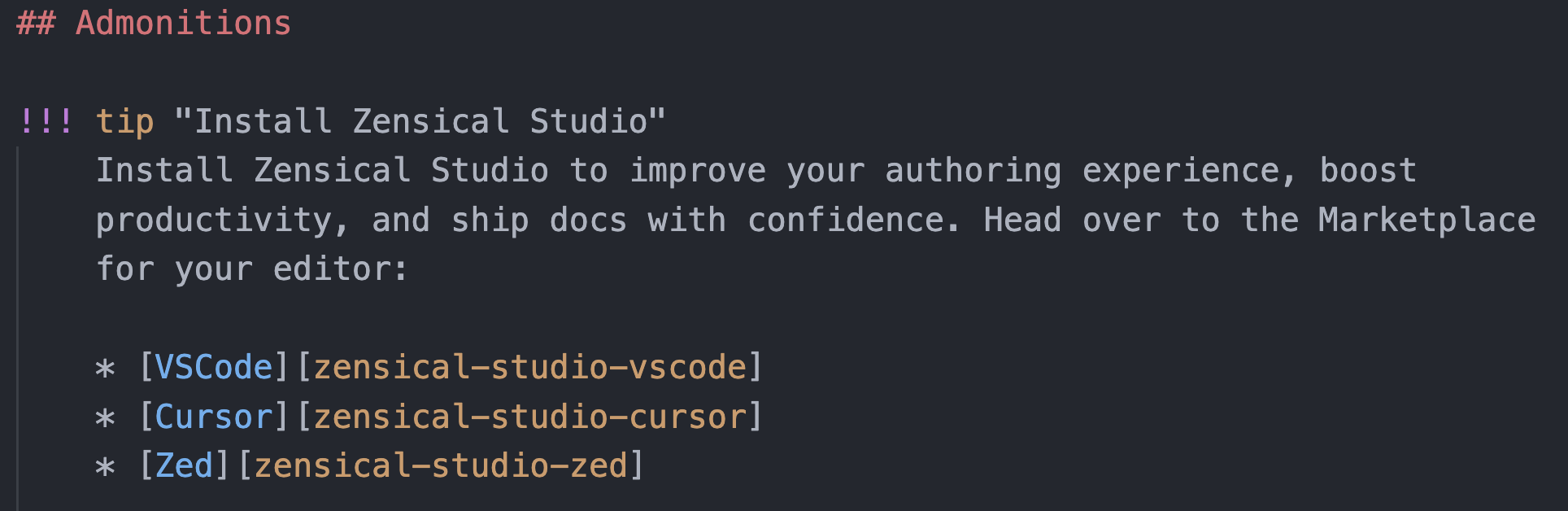
In contrast, without Zensical Studio, the entire admonition is rendered as plain text:
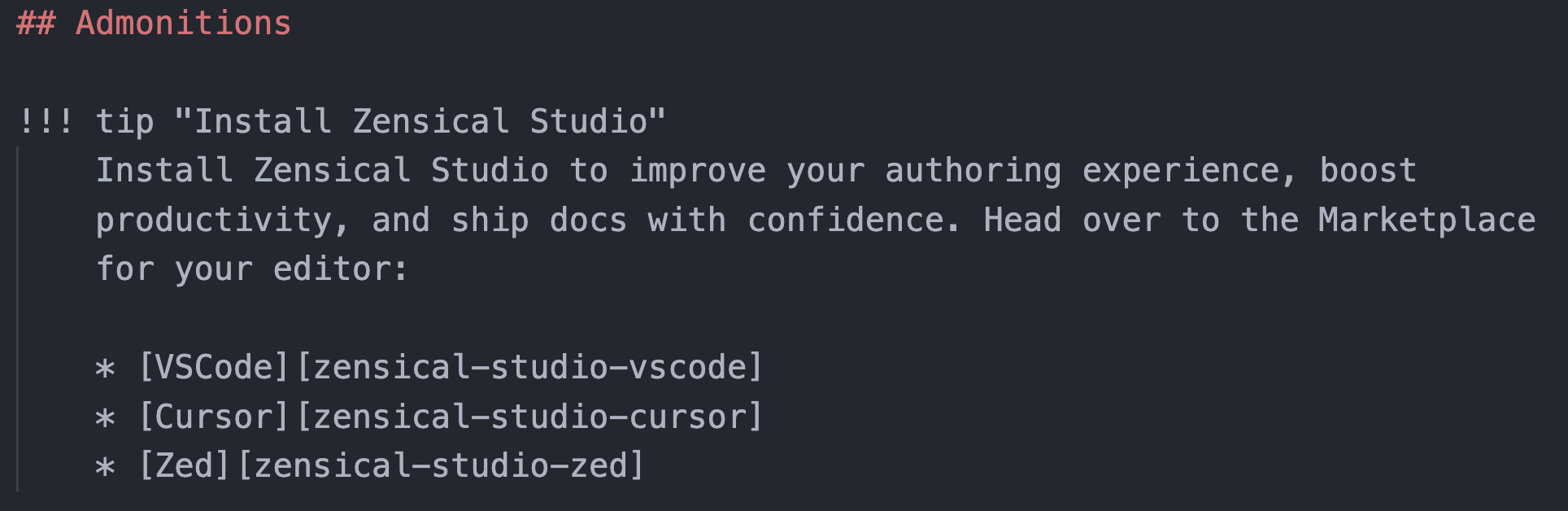
That matters because accurate highlighting lets you spot structure mistakes while you type, especially in nested content where a missing space or marker can change how the whole page renders. To our knowledge, no other extension provides this level of syntax highlighting for Python Markdown.
Color schemes
The precise colors you see in your editor depend on the color scheme you select. Colors change as you toggle dark mode on and off. The list of color schemes available depends on your editor. Some schemes you may need to install as an extension.
Inline text formatting, math, and diagrams
Many Python Markdown elements have their own dedicated pages in this guide, where you can see the syntax and the editor behavior in more detail.
Zensical Studio also recognizes and highlights a broad range of inline text formatting, math, and Mermaid diagrams. That includes:
==highlighted==text, critic markup insertions and deletions, sub- and superscript,- keyboard keys such as
++ctrl+alt+delete++, - smart symbols such as
-->or(c), $...$,$$...$$,\(...\), and\[...\]math delimiters,- and Mermaid diagram syntax.
See Formatting in Zensical's authoring guide for the text-markup syntax, Math for configuring MathJax or KaTeX, and Preview for the rendered result.
Where to go next
- Formatting keeps the structure this highlighting shows you consistent across a document.