Create your site
After you've installed Zensical, you can bootstrap your project documentation using the zensical executable. Go to the directory where you want your project to be located and enter:
This creates the following structure:
To learn more about the specific files and directories that are generated for you, please consult the usage guide for the new command.
Configuration
Zensical comes with many configuration options that have sensible defaults, which allows to build a documentation site with almost no configuration. site_name is the only required setting:1
Unless you're building documentation for offline usage, it's strongly recommended to specify the site_url setting as well, since it's a prerequisite for the following features:
Preview as you write
Zensical Studio
Zensical Studio brings workspace intelligence to Zensical and MkDocs projects and integrates with Visual Studio Code and similar editors2. It gives you a synchronized side-by-side view of your Markdown source and rendered documentation, with the preview updating as you write:
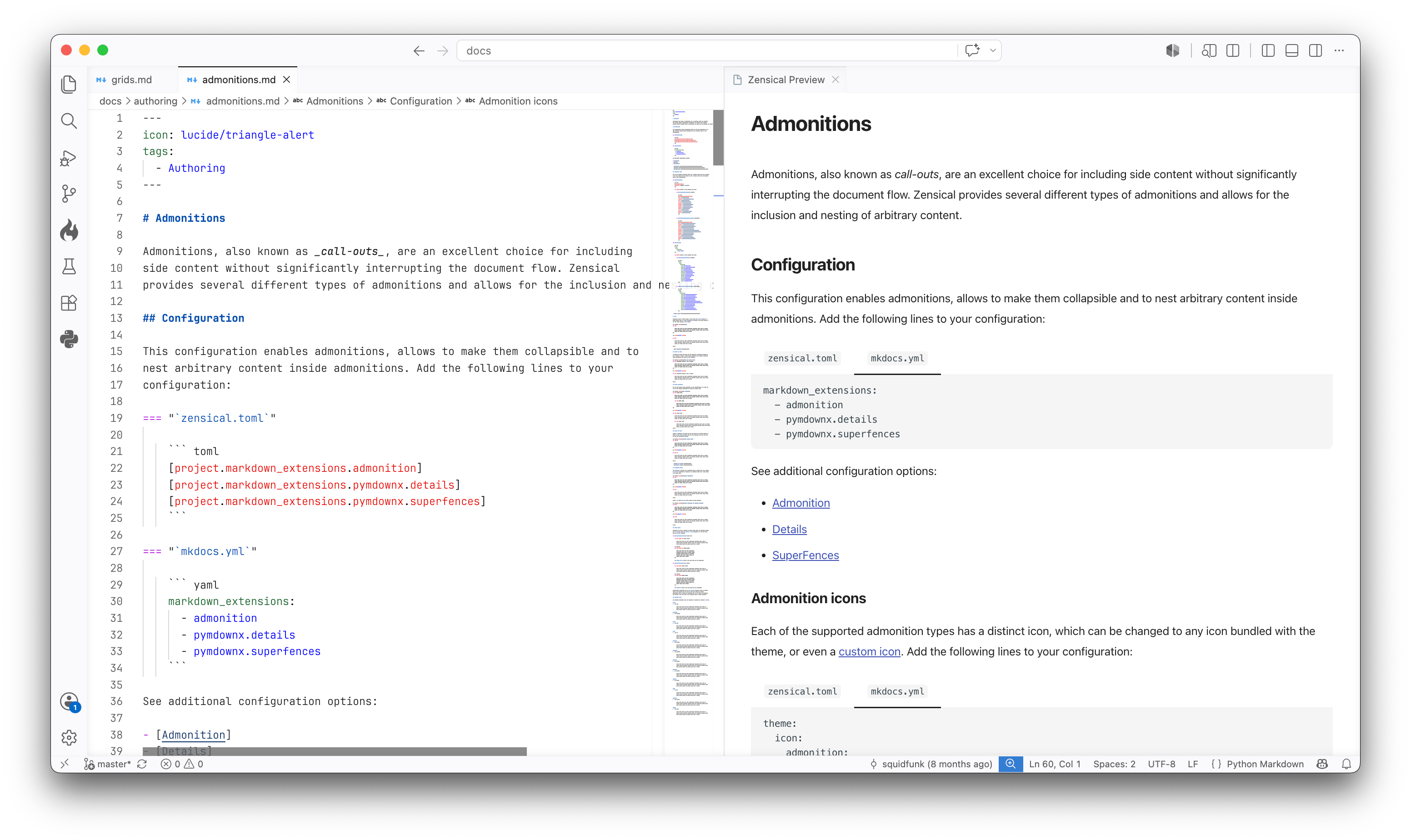
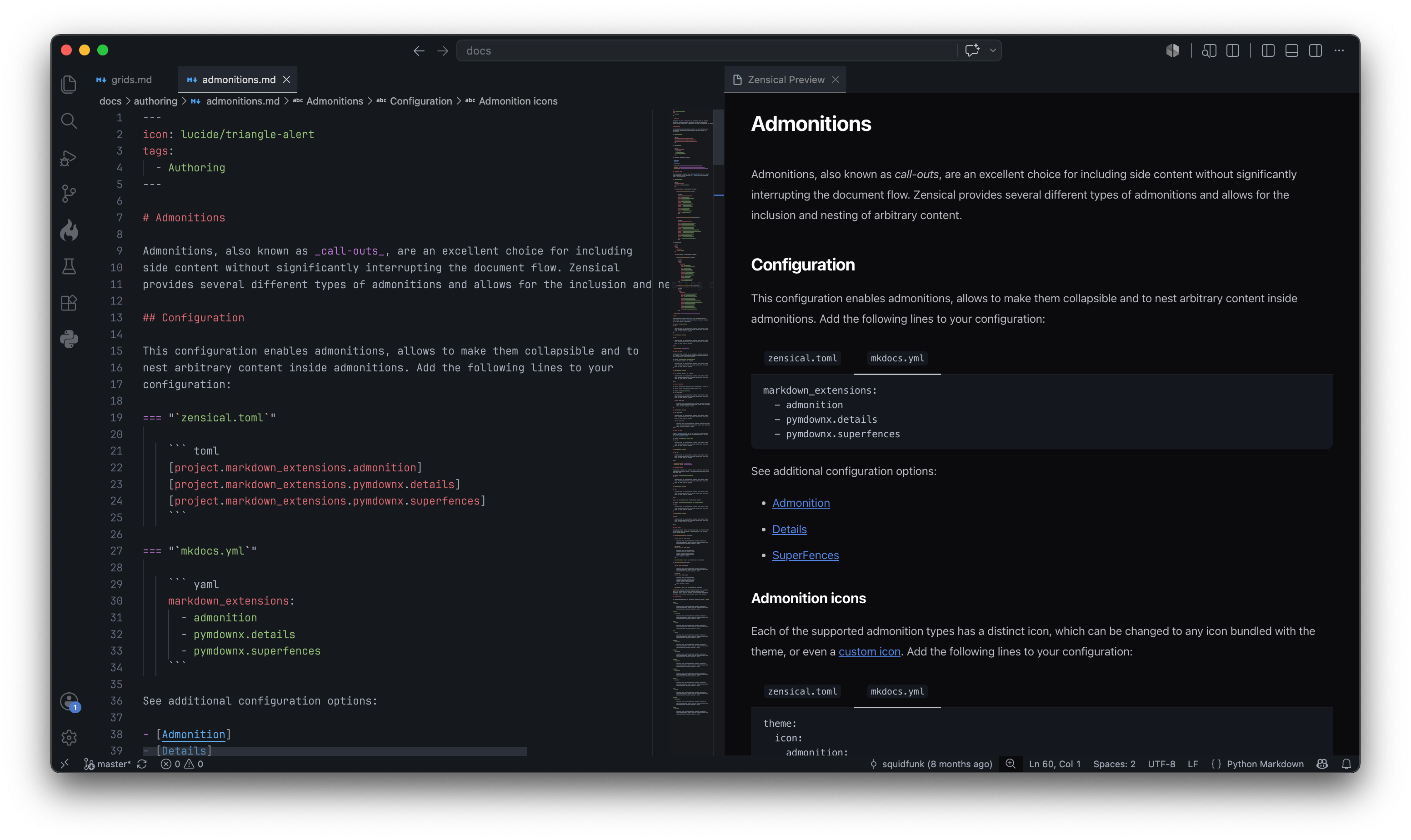
Zensical Studio provides:
-
Links, anchors, references, and snippets are resolved across the workspace, so they can be navigated, renamed, and kept up to date.
-
A side-by-side preview renders the current Python Markdown document and updates while you edit, so you can stay in your editor while writing.
-
A structure-aware formatter for Python Markdown that understands nested extensions such as tabs, admonitions, lists, and code blocks.
-
Workspace-wide diagnostics, including cross-file link tracking and analysis, and structural and prose linting for common Markdown issues.
Zensical
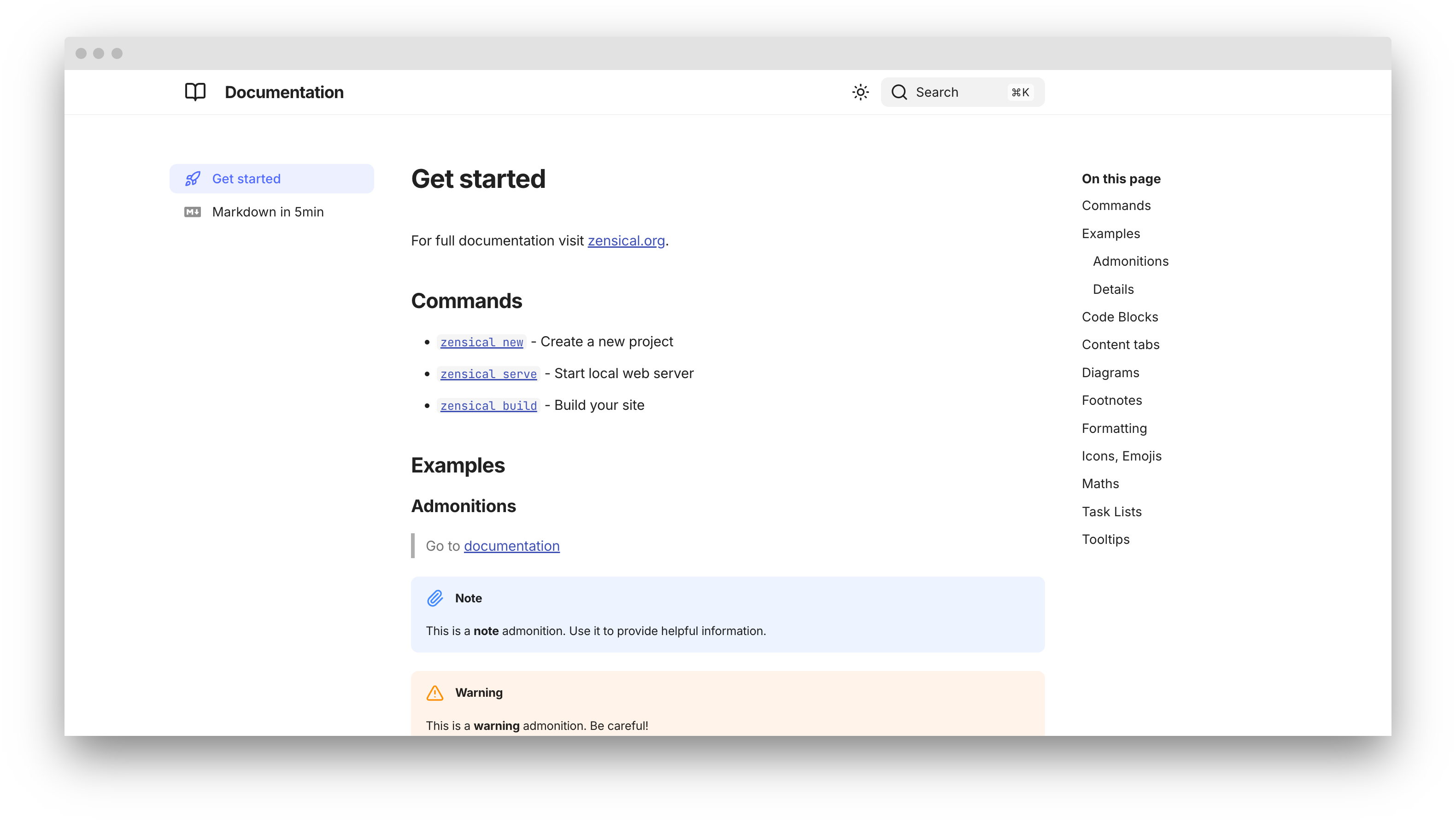
Zensical includes a web server, so you can preview your documentation site as you write. The server will automatically rebuild the site when you make changes to source files. Start it with:
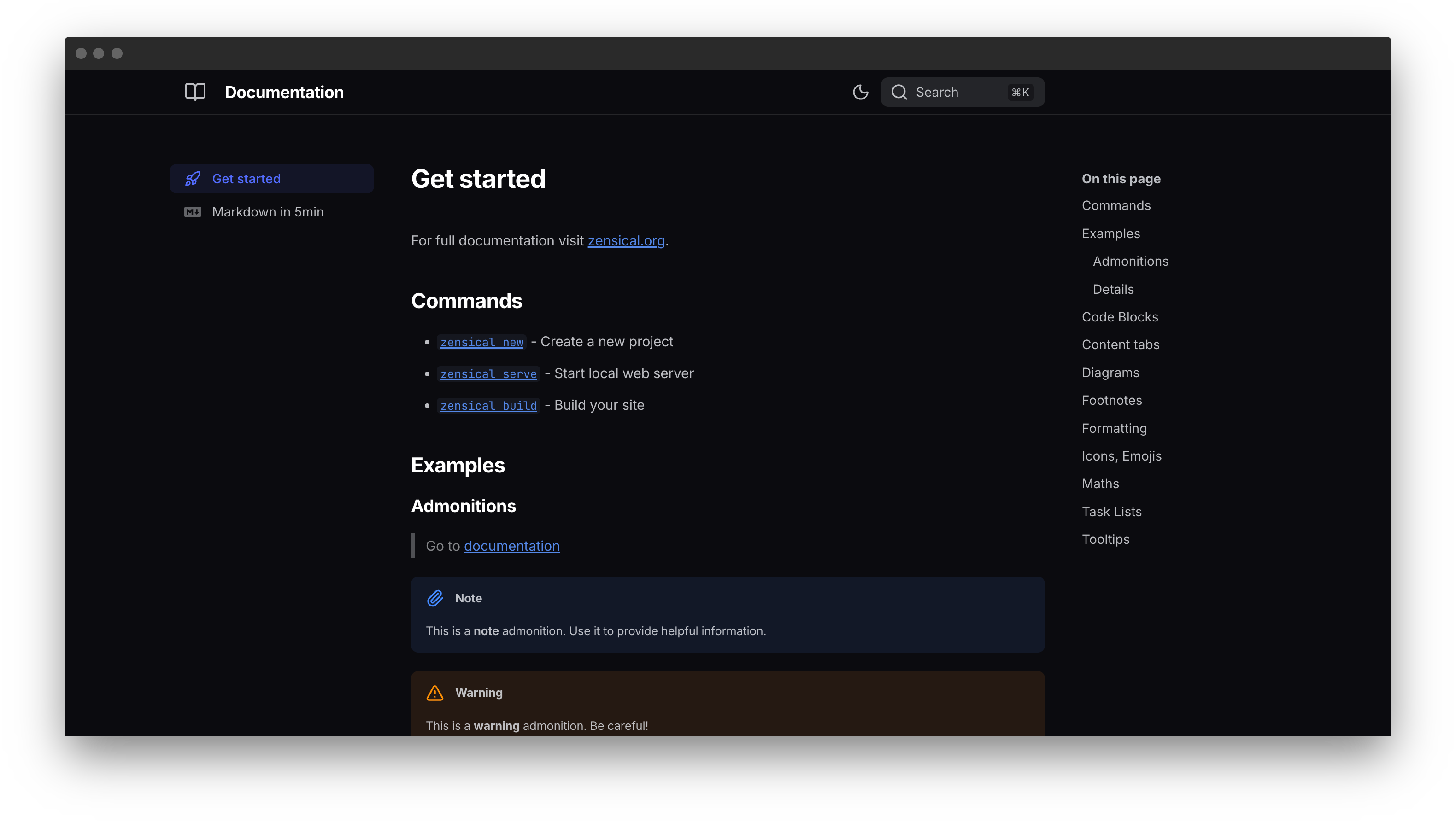
Point your browser to localhost:8000 and you should see:
Build your site
When you're finished editing, you can build a static site from your Markdown files with:
The contents of this directory make up your project documentation. There's no need for operating a database or server, as it is completely self-contained. The site can be hosted on GitHub Pages, a CDN of your choice or your private web space.
If you intend to distribute your documentation as a set of files to be read from a local filesystem rather than a web server (such as in a .zip file), please consult the offline usage guide.