Migrate from MkDocs
You do not need to change your configuration or replace your current workflow to adopt Zensical. Zensical reads the existing mkdocs.yml, so the same project can be built with either command:
We are committed to making adoption gradual and reversible. Zensical continues to support your existing mkdocs.yml, so your MkDocs build is a working safety net while you migrate to Zensical.
Adopt Zensical gradually
- Keep your existing MkDocs production deployment unchanged.
- Build the same project with Zensical using its existing
mkdocs.yml. - Compare representative pages, navigation, search, and customizations.
- Ensure that every MkDocs plugin you depend on is supported.
- Switch local and CI commands only when you are confident in the result.
Try Zensical Studio
Zensical Studio works with both MkDocs and Zensical projects, giving you the same authoring environment throughout the transition. Try it on your MkDocs project today, then gradually switch to Zensical without changing your workflow or losing access to Studio's workspace intelligence.
In the coming months, Zensical Studio will become the central place for assessing compatibility and guiding a complete migration to Zensical, including the final move to zensical.toml.
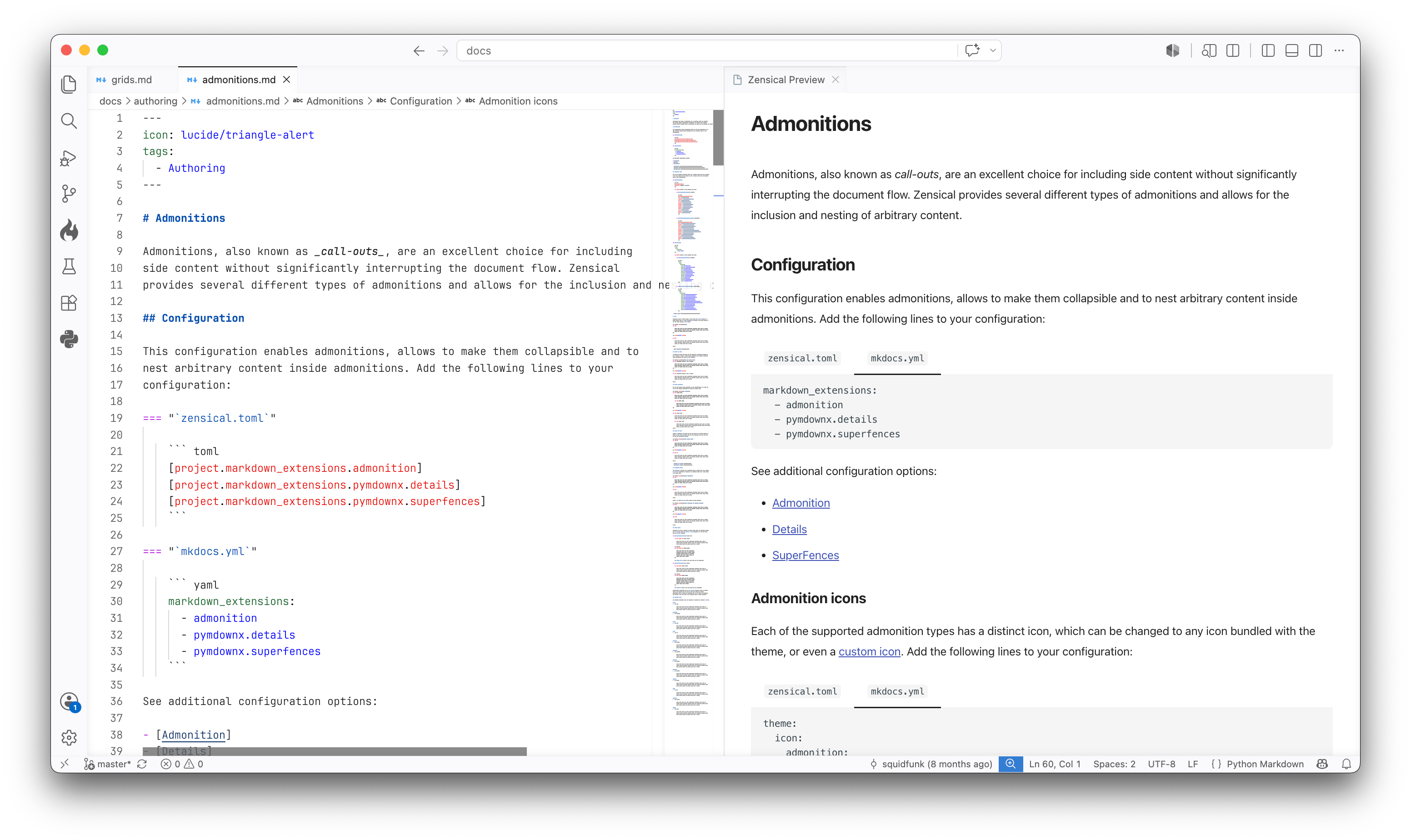
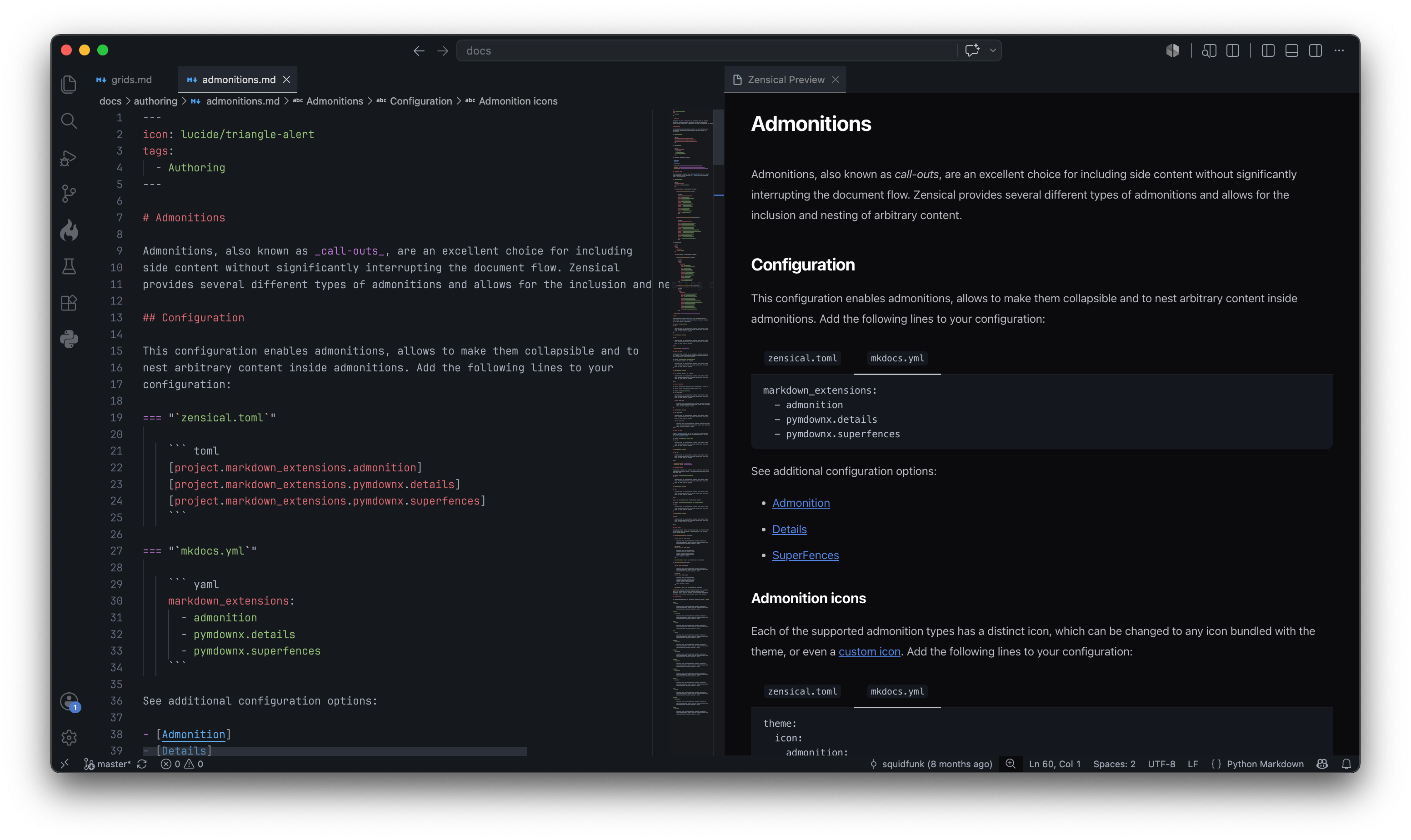
You can keep mkdocs.yml for as long as you want. Both MkDocs and Zensical can read it, so moving to zensical.toml is not required as part of adopting Zensical.
Configuration
When adding settings during this period, use the mkdocs.yml examples in the configuration reference so the project remains compatible with both builders.
Zensical preserves the standard MkDocs project structure: configuration lives at the project root, Markdown content lives in docs_dir, and generated output is written to site_dir. Existing page paths, directory URLs, and navigation configuration remain unchanged.
Unsupported settings
The following mkdocs.yml settings are not yet supported in Zensical:
hooks
Build and preview
During evaluation, run Zensical alongside the existing MkDocs commands. When you are ready to switch, replace mkdocs with zensical in local and CI commands. The common build and serve workflows remain available, with the following differences:
--theme– not supported – Use themevariant.--use-directory-urls– not supported. Useuse_directory_urls.--site-dir– not supported. Usesite_dir.gh-deploy– not provided. Use the appropriate publishing method.get-deps– not provided. Declare dependencies explicitly inpyproject.toml.
See the command-line reference for the commands and options that Zensical provides.
Theme variant
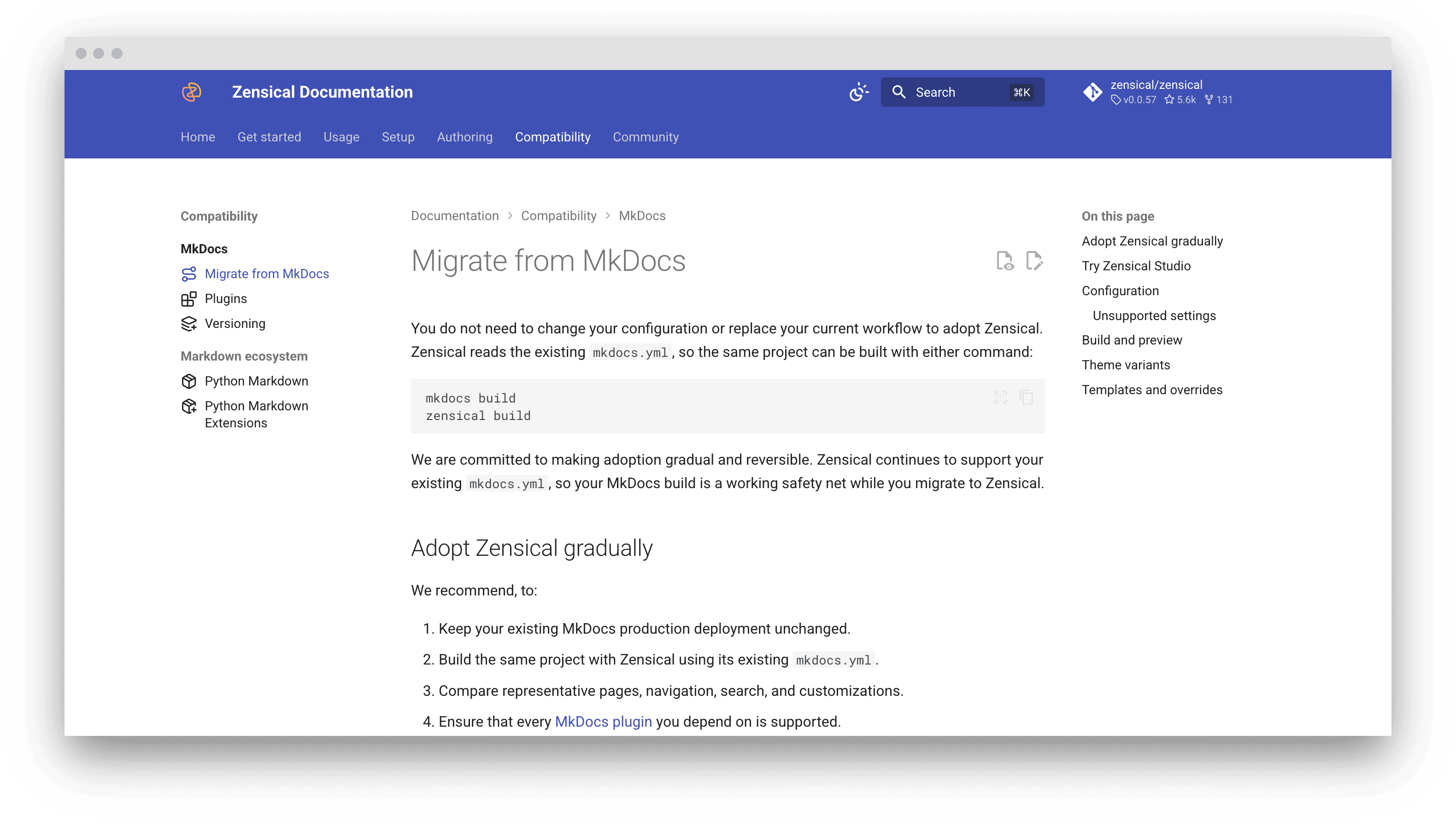
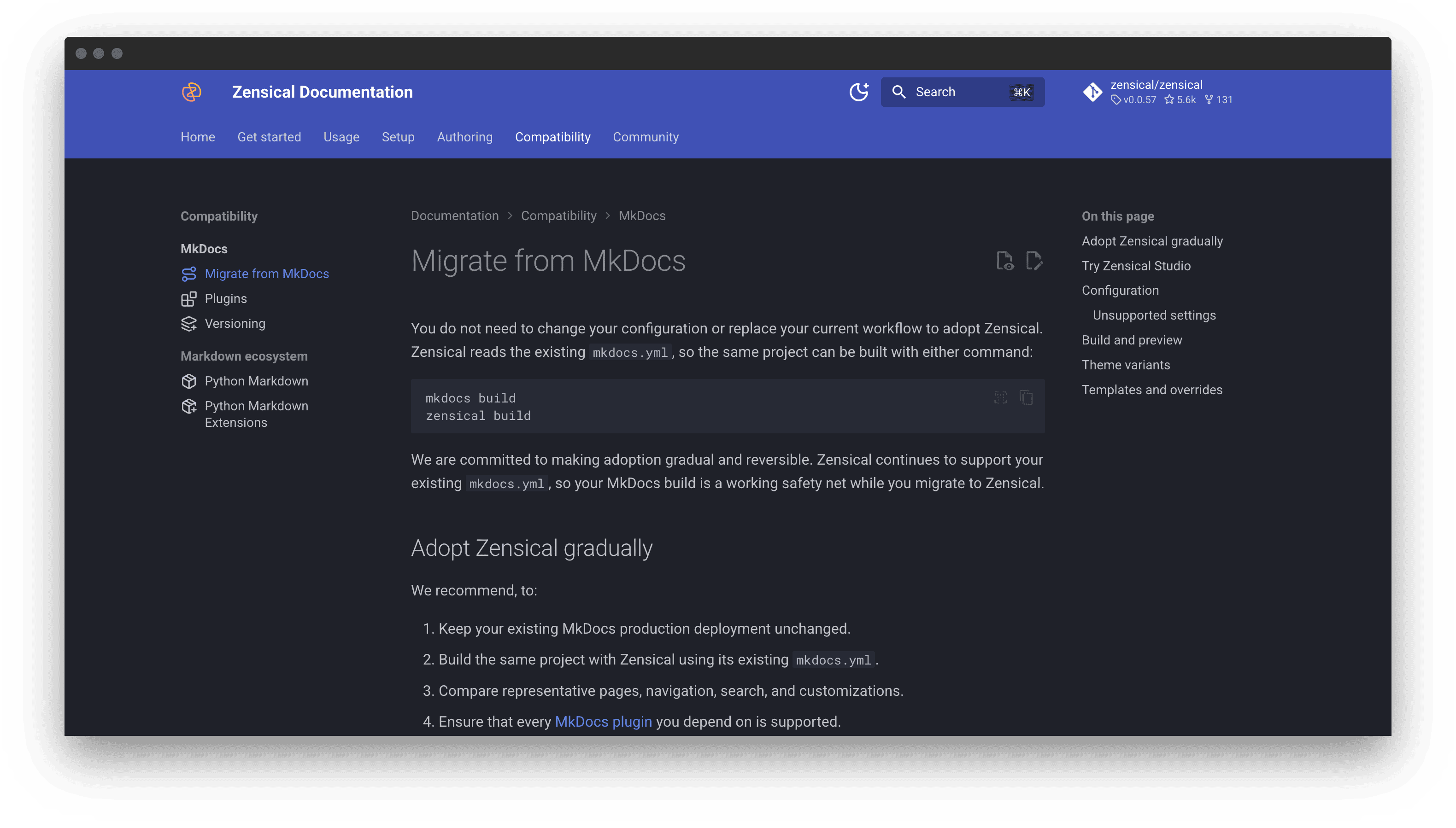
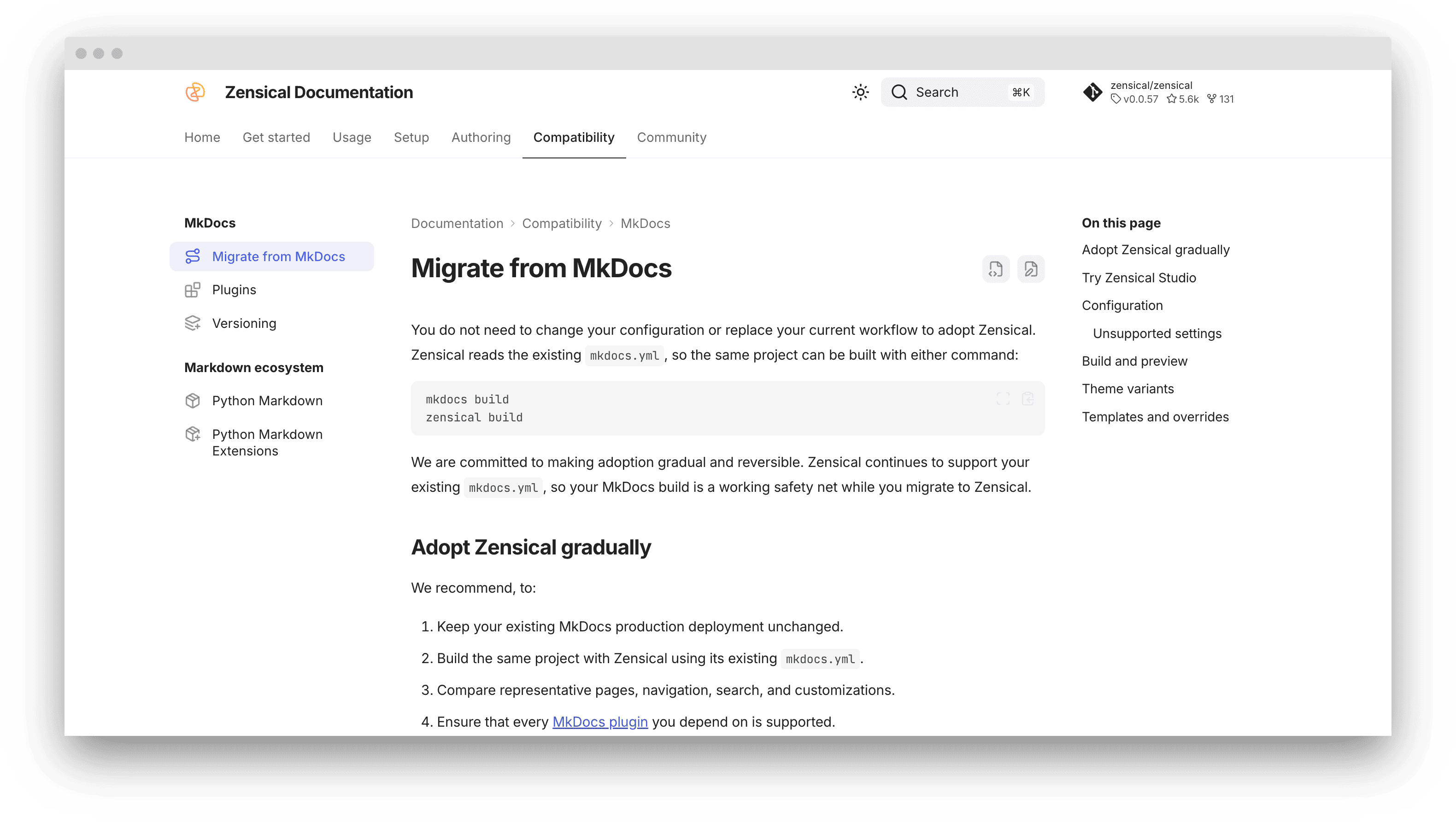
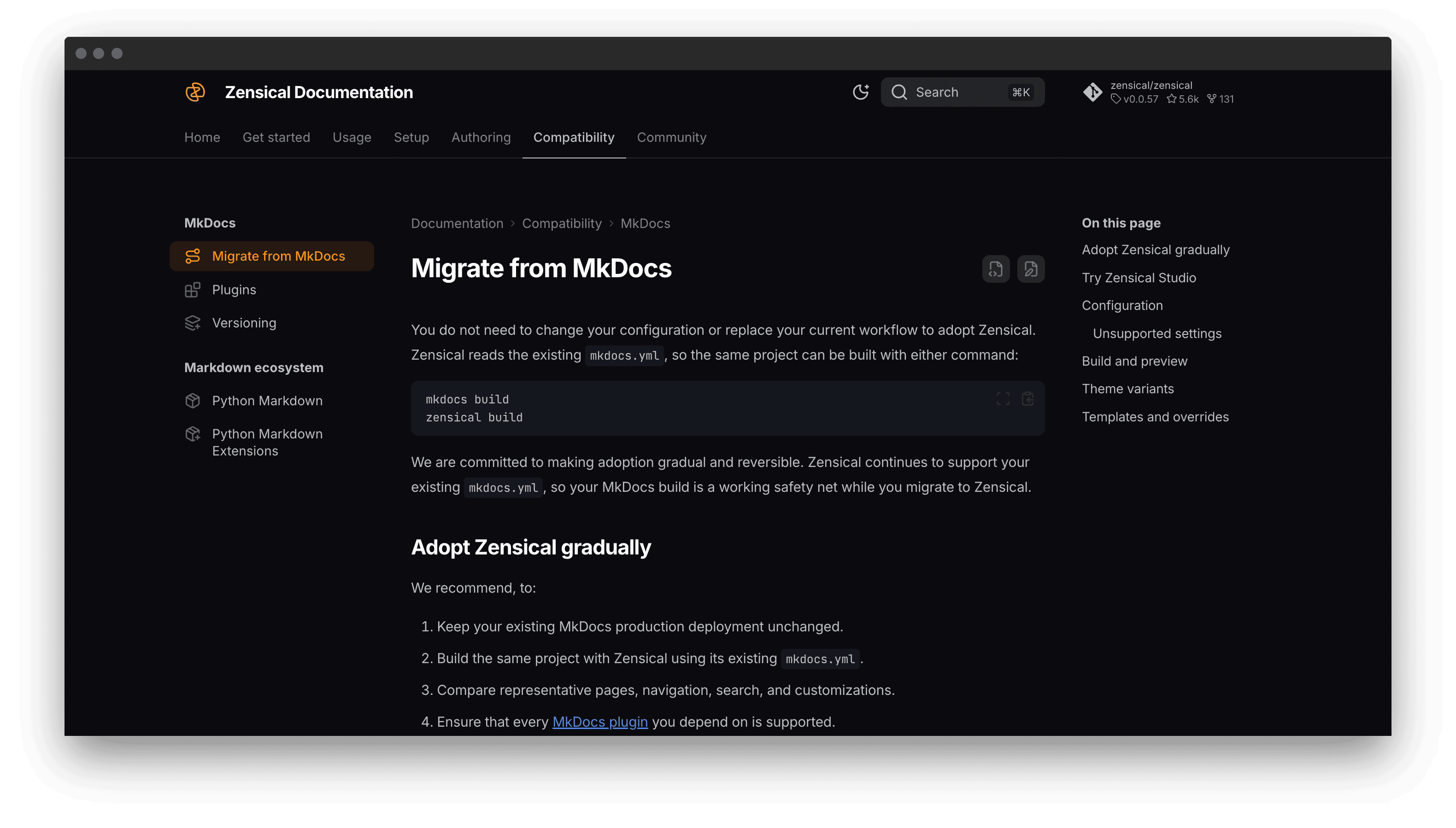
Zensical provides two theme variants – modern and classic.
The classic variant preserves the appearance of Material for MkDocs, while both variants retain the same HTML structure. We recommend using classic when moving an existing Material for MkDocs project or when custom CSS and JavaScript depend on its established appearance:
Templates and overrides
Zensical uses MiniJinja rather than Jinja to render templates. MiniJinja is largely compatible with Jinja, but it does not include a Python interpreter and cannot call arbitrary Python functions. Use the available filters and tests instead.
Material for MkDocs adapted its standard templates for MiniJinja compatibility. The last required changes were released in Material for MkDocs 9.6.18. Overrides based on that version or a later one should generally work without changes.
When moving older or extensively customized overrides:
- Compare them with the current Material for MkDocs templates.
- Replace calls to arbitrary Python functions with supported filters or tests.
- Build a representative set of pages and check each overridden block.